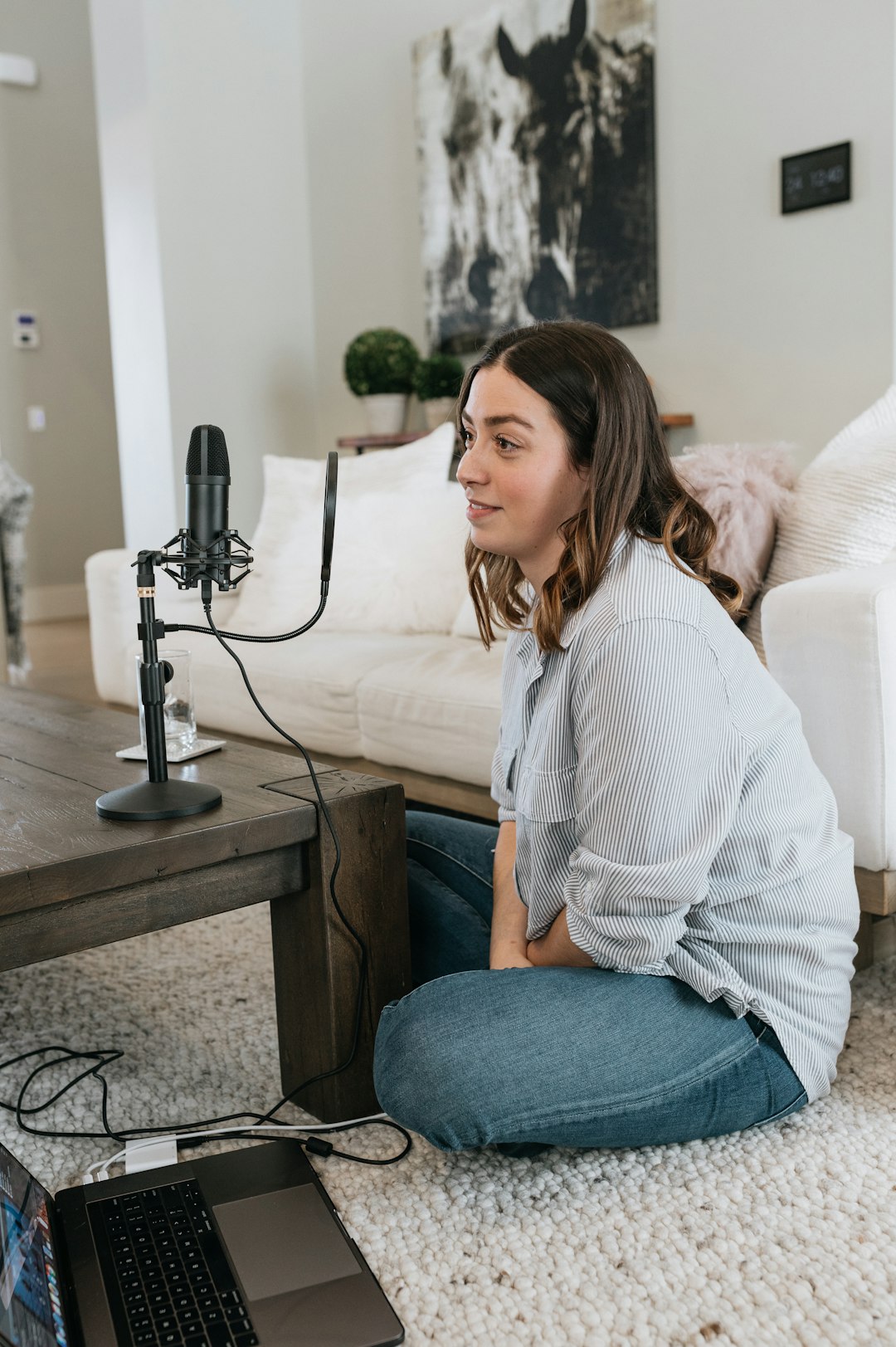
An audio interface is the bridge between your microphones, instruments, and your computer. For many content creators, understanding audio interfaces can be confusing – there are numerous specifications, connectivity options, and price points to consider. This comprehensive guide breaks down everything you need to know to make an informed decision about which audio interface best suits your needs.
What Is an Audio Interface?
An audio interface converts analogue audio signals from microphones and instruments into digital data your computer can process, and converts digital audio from your computer back into analogue signals for monitoring through speakers or headphones. Modern audio interfaces do this at high quality, typically far exceeding your computer's built-in sound card capabilities.
Beyond simple conversion, audio interfaces provide essential features like phantom power for condenser microphones, high-quality microphone preamps, multiple inputs and outputs, and low-latency monitoring. These features make audio interfaces indispensable for professional-quality recording.
Understanding Input and Output Counts
The number of inputs and outputs you need depends entirely on what you're recording. Solo podcasters typically need just one or two inputs – one for their microphone and possibly another for a guest or co-host. Musicians recording themselves might need two inputs to record vocals and guitar simultaneously.
Interview podcasters or creators who frequently record multiple people need more inputs. A four-input interface accommodates up to four microphones, perfect for panel discussions or band recordings. Eight-input interfaces suit larger productions or drum recording. Consider not just your current needs but potential future requirements – upgrading later often costs more than buying sufficient inputs initially.
Microphone Preamps: Quality Matters
Microphone preamps amplify the weak signal from your microphone to a level suitable for recording. Preamp quality significantly impacts your recording quality. Clean, transparent preamps accurately reproduce your source without adding noise or colouration. Budget interfaces often have noisier preamps with less gain, potentially problematic for quiet dynamic microphones.
Look for interfaces with at least 60dB of gain for versatile microphone compatibility. Higher-end interfaces offer 70dB or more, essential for broadcast microphones like the Shure SM7B which require substantial gain. Some interfaces include selectable input impedance or pad switches for additional flexibility.
Phantom Power and DI Inputs
Condenser microphones require phantom power – typically 48 volts supplied through the microphone cable. All decent audio interfaces provide phantom power, but budget models sometimes offer it globally across all inputs rather than individually per channel. Individual phantom power control is preferable, allowing you to use condenser and dynamic microphones simultaneously without issues.
Direct Input boxes convert high-impedance instrument signals to low-impedance microphone level signals. Many audio interfaces include built-in DI functionality via dedicated instrument inputs. If you plan to record electric guitar or bass directly, ensure your chosen interface includes instrument inputs with appropriate impedance.
Connectivity: USB, Thunderbolt, or Other?
USB remains the most common audio interface connection, offering broad compatibility with both Windows and Mac computers. USB 2.0 provides sufficient bandwidth for most content creators, easily handling multiple channels at high sample rates. USB-C interfaces are increasingly common, offering the same bandwidth with a more modern connector.
Thunderbolt interfaces offer superior performance with lower latency and higher channel counts, but require Thunderbolt-equipped computers and typically cost more. For most podcasters and YouTubers, USB connectivity provides excellent performance at better value. Consider your computer's available ports when choosing – USB-C computers may need adapters for USB-A interfaces.
Sample Rate and Bit Depth Explained
Sample rate determines how many times per second your interface captures audio. The standard for podcasting and most content creation is 44.1kHz or 48kHz. Higher sample rates like 96kHz or 192kHz are generally unnecessary for voice recording and consume more storage and processing power without audible benefit.
Bit depth determines the dynamic range captured. 24-bit recording is standard and provides ample dynamic range for any content creation application. 16-bit is adequate for final distribution but 24-bit offers more flexibility in post-production. All modern interfaces record at 24-bit, so this specification rarely factors into purchasing decisions.
Latency and Direct Monitoring
Latency is the delay between when you speak into your microphone and when you hear yourself through headphones. Excessive latency is distracting and makes recording difficult. Modern audio interfaces with proper drivers achieve latency low enough to be imperceptible, but this depends on your computer's processing power and buffer size settings.
Direct monitoring bypasses your computer, routing your microphone signal directly to your headphones with zero latency. Most interfaces offer direct monitoring, essential for comfortable recording. Some interfaces provide blend controls, allowing you to mix direct monitoring with computer playback for monitoring backing tracks whilst recording.
Headphone Outputs and Monitoring
Quality headphone amplification matters for accurate monitoring and listener comfort. Weak headphone outputs struggle to drive high-impedance professional headphones to adequate levels. Look for interfaces with dedicated headphone volume controls and sufficient output power for your specific headphones.
Some interfaces include multiple headphone outputs with independent volume controls, useful when recording guests who need individual monitoring control. Others provide a single headphone output, adequate for solo recording. Consider whether you'll need to provide monitoring for guests or talent when choosing your interface.
Build Quality and Portability
Interface build quality ranges from plastic budget units to tank-like metal enclosures. Desktop interfaces typically feature more robust construction and larger controls than portable models. If your interface will live on your desk permanently, build quality might matter less than if you're regularly transporting it.
Portable interfaces prioritise compact size and bus-powered operation, drawing power from your computer's USB port rather than requiring separate power supplies. They're perfect for mobile recording or minimalist desktop setups. Larger desktop interfaces usually require dedicated power supplies but offer more inputs, outputs, and features.
Software Bundles and Extras
Many audio interfaces include software bundles – digital audio workstations, plugins, or virtual instruments. These bundles add value, especially for beginners who don't already own recording software. Popular DAWs like Pro Tools, Ableton Live Lite, or Cubase LE frequently accompany audio interfaces.
Some manufacturers offer cloud-based software platforms providing additional processing, automatic mixing, or podcast-specific features. Whilst these extras are nice, they shouldn't be the primary factor in your decision. Choose an interface based on hardware specifications first, considering software bundles as bonuses.
Budget Recommendations
Entry-level interfaces starting around £60-£100 suit solo podcasters and basic recording needs. The Focusrite Scarlett Solo and Behringer U-Phoria series offer solid performance at low prices. Mid-range interfaces from £150-£300 like the Focusrite Scarlett 2i2, Universal Audio Volt, or Audient EVO 4 provide better preamps, lower noise, and more features.
Professional interfaces starting around £400 from manufacturers like RME, Universal Audio, or Apogee offer exceptional audio quality, rock-solid drivers, and advanced features. For most content creators, mid-range interfaces provide the best balance of quality and value. Only specialty applications truly require premium interfaces.
Conclusion
Choosing the right audio interface depends on your specific needs: number of simultaneous inputs required, microphone types you'll use, portability requirements, and budget. For solo podcasters, a simple two-input interface provides everything necessary. Multi-person productions need more inputs. Prioritise quality preamps with sufficient gain, reliable USB connectivity, and direct monitoring. Don't be swayed by excessive features you won't use – a simpler interface with better preamps often delivers superior results than a feature-packed budget model. Consider renting different interfaces before purchasing to ensure your choice suits your workflow and equipment. The right audio interface elevates your production quality and provides a solid foundation for years of content creation.