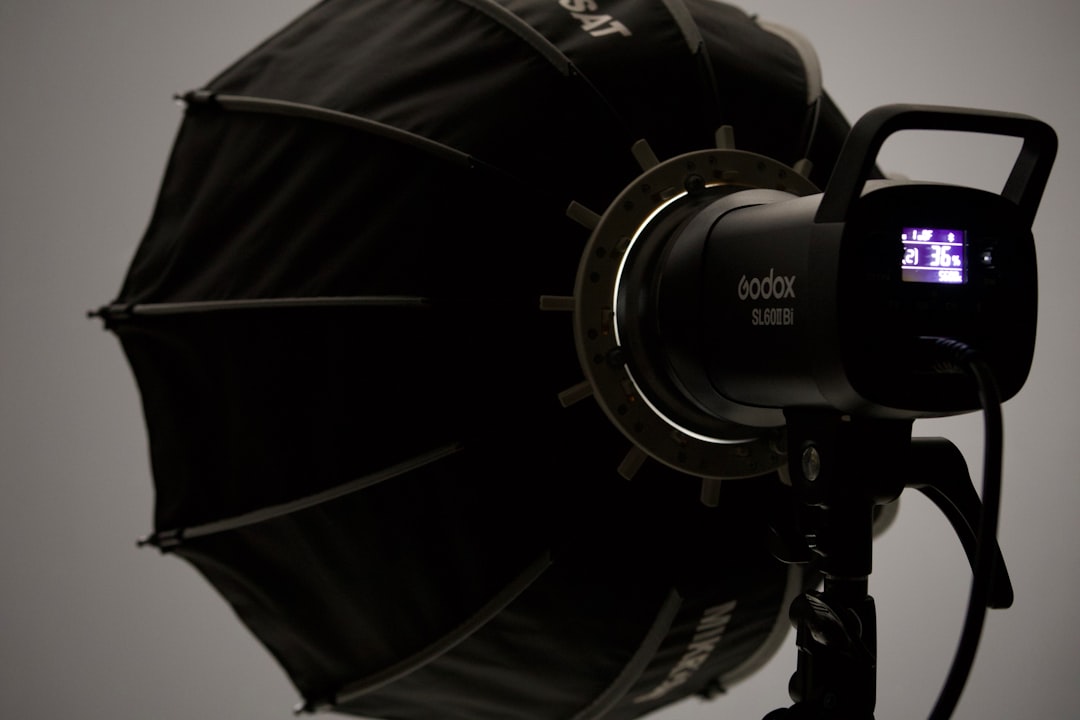
Lighting is arguably the most important technical element of video production, yet it's often overlooked by new content creators. Good lighting can make budget cameras look professional, whilst poor lighting makes even expensive cameras look amateurish. The three-point lighting setup is the foundation of professional video lighting, and you don't need expensive equipment to achieve excellent results.
Understanding Three-Point Lighting
Three-point lighting is a standard method used in visual media that employs three separate light sources positioned around the subject. This classic technique has been used in film, television, and photography for decades because it effectively creates depth, dimension, and professional-looking illumination. The three lights work together to eliminate harsh shadows whilst maintaining visual interest.
The Key Light: Your Primary Source
The key light is your main light source and provides the majority of illumination on your subject. Position it at a 45-degree angle from your subject, slightly above eye level. This angle creates natural-looking shadows that define facial features and add depth to your image.
The intensity of your key light sets the overall exposure for your shot. It should be the brightest of your three lights, typically two to three times brighter than your fill light. For budget setups, a simple LED panel or even a bright desk lamp with a daylight bulb can serve as an effective key light. The key is to position it correctly and ensure it's bright enough to properly expose your subject.
The Fill Light: Balancing Shadows
The fill light softens shadows created by the key light without eliminating them entirely. Position it opposite your key light, on the other side of your camera, also at roughly 45 degrees from your subject. The fill light should be less bright than your key light – typically half the intensity or less.
You can reduce intensity by moving the light further away, using a dimmer if available, or diffusing the light through white fabric or shower curtain material. Some creators use a reflector instead of an actual fill light, bouncing key light back onto the shadow side of the subject. This approach costs nothing beyond a piece of white foam board or a dedicated photography reflector.
The Back Light: Creating Separation
Also called a hair light or rim light, the back light is positioned behind your subject, pointing towards them from an elevated angle. This light creates a subtle rim of illumination around your subject's head and shoulders, separating them from the background and adding a three-dimensional quality to your image.
The back light should be slightly brighter than your fill light but not as bright as your key light. Position it high and behind your subject, angled downward to avoid lens flare. For budget setups, any small light source works – even a clip-on desk lamp with a daylight bulb can create an effective back light when properly positioned.
Budget Equipment Options
Professional lighting kits can cost thousands of pounds, but excellent results are achievable on a fraction of that budget. LED panel lights offer excellent value, with decent models available from £30-£50 each. Look for lights with adjustable brightness and colour temperature. Alternatively, clamp lights from hardware stores fitted with daylight-balanced LED bulbs provide surprisingly good results for under £15 each.
Softboxes and diffusion materials dramatically improve the quality of hard light sources. Budget softboxes start around £20, or you can DIY diffusion using white shower curtains, baking paper, or white bed sheets. Just ensure any DIY diffusion materials are kept at a safe distance from hot bulbs to prevent fire hazards.
Working with Natural Light
Natural light from windows can serve as an excellent key light, and it's absolutely free. Position your subject facing a large window, with the window serving as your key light. Use a reflector or white foam board opposite the window as your fill light to bounce light back onto the shadow side of your face. Add a small LED panel or desk lamp as a back light to complete your three-point setup.
The challenge with natural light is its variability throughout the day and in different weather conditions. For consistent results, film at the same time each day, or supplement window light with artificial lighting to maintain control over your exposure.
Colour Temperature and White Balance
All your lights should match in colour temperature for natural-looking results. Daylight-balanced lights typically measure 5600K, whilst tungsten/warm lights measure around 3200K. Mixing colour temperatures creates strange colour casts that are difficult to correct in post-production.
When using budget lights, check their colour temperature before purchasing. Many inexpensive LED lights offer adjustable colour temperature, allowing you to match different sources or create warmer or cooler looks. Always set your camera's white balance to match your lighting for accurate colours straight out of camera.
Positioning and Distance
Light intensity follows the inverse square law – doubling the distance between your light and subject quarters the intensity. This principle is crucial for budget setups where you might not have dimming capabilities. Moving lights closer increases intensity, whilst moving them further away decreases it.
Start with your key light about three to five feet from your subject, adjusting distance based on the light's brightness. Position your fill light at a similar distance or slightly further away to achieve the proper intensity ratio. Your back light can be closer if needed, but watch for lens flare and ensure it's not visible in your frame.
Softening Your Light
Soft light is generally more flattering than hard light, creating gentle shadows and even illumination. Larger light sources relative to your subject produce softer light. Budget options for softening light include hanging white shower curtains in front of your lights, bouncing light off white walls or ceilings, or positioning lights further away from your subject.
Softboxes and umbrellas are traditional modifiers, but simple solutions work well too. A white sheet hung on a frame creates an effective diffusion panel. Bouncing light off a white foam board or wall creates a large, soft source. Experiment with different materials and distances to find what works best for your space and equipment.
Common Mistakes to Avoid
Don't position your key light directly in front of your subject – this flat lighting eliminates depth and looks unprofessional. Avoid placing lights too low, as this creates unflattering upward shadows. Don't use all lights at equal intensity – you need variation to create dimension and visual interest.
Avoid mixing different colour temperature lights without gels or filters to match them. Don't neglect your background lighting – a properly lit subject against a dark background can look disconnected and unprofessional. Finally, don't forget about your back light – many beginners skip this light, but it makes a significant difference in production quality.
Building Your Kit Gradually
You don't need to purchase everything at once. Start with a single good key light and a reflector for fill light. Add a back light when budget allows. Gradually upgrade to better quality lights as your content creation develops. Renting lights for important shoots is a cost-effective way to access professional equipment without the full purchase price.
Conclusion
Three-point lighting transforms amateur-looking videos into professional productions. Understanding the role of each light – key, fill, and back – allows you to create dimension and depth even with budget equipment. Start with basic lights, use DIY diffusion materials, and consider natural light as a free key light source. Position lights at 45-degree angles, match colour temperatures, and gradually build your kit as your skills and budget grow. Remember that proper lighting technique matters more than expensive equipment – a well-positioned budget light beats a poorly positioned professional light every time.